
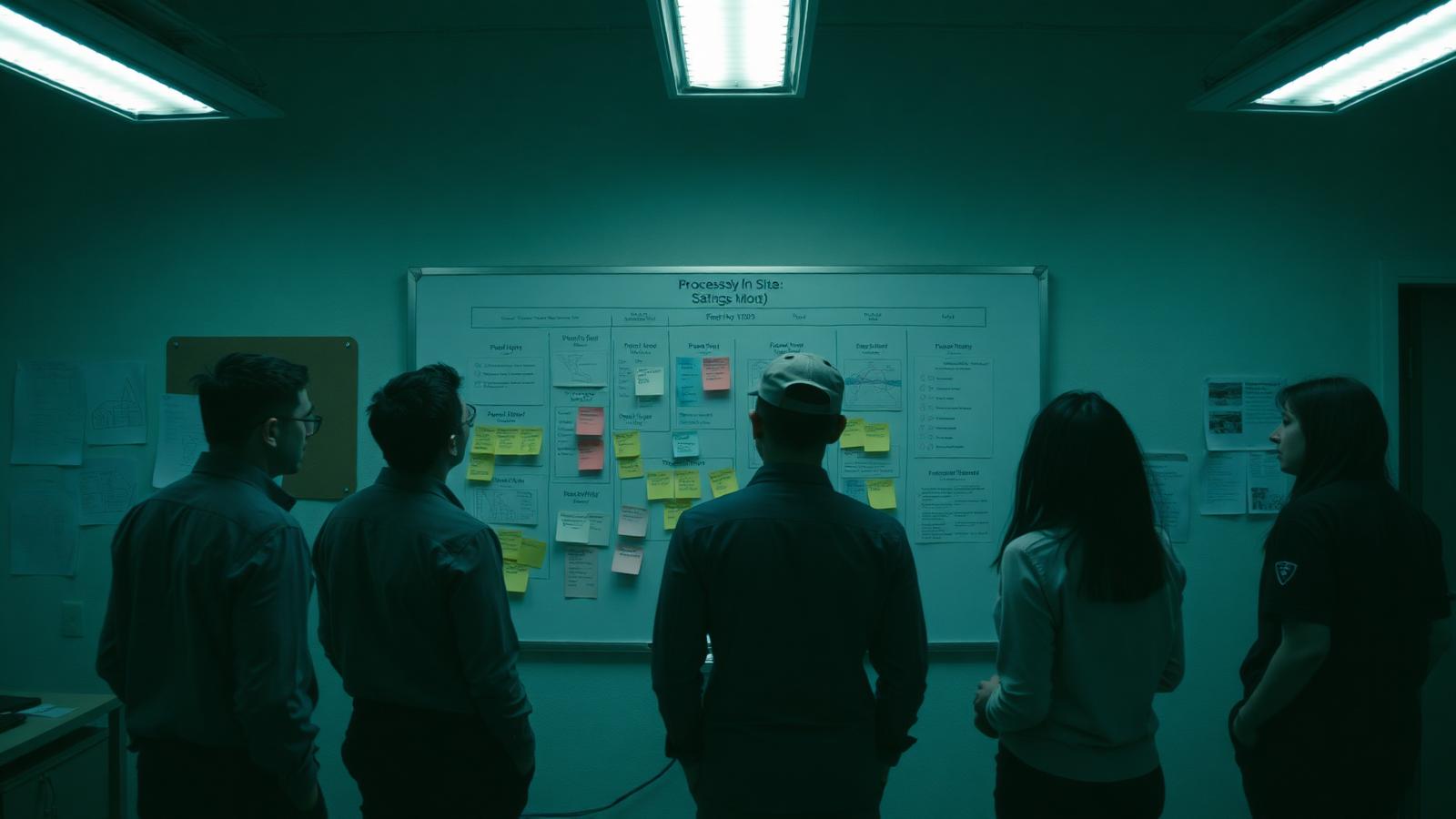
The fix looked sensible.
A recurring delay had been irritating the team for months. Someone suggested a new approval step, the process was updated, and the action was marked complete.
Three weeks later, the delay was still there. The extra approval had simply created another queue.
This is a common failure in process improvement. A team identifies a real problem, chooses a plausible fix and then treats the activity as proof that the process improved.
The Plan-Do-Check-Act cycle, usually shortened to PDCA, provides a more disciplined way to learn from a change. It asks four practical questions:
- What are we trying to improve?
- What change will we test?
- What evidence will show whether it worked?
- What should we standardise or change next?
PDCA is not four boxes to complete. It is a decision loop.
Why PDCA works
PDCA is a method for making improvement deliberate and repeatable.
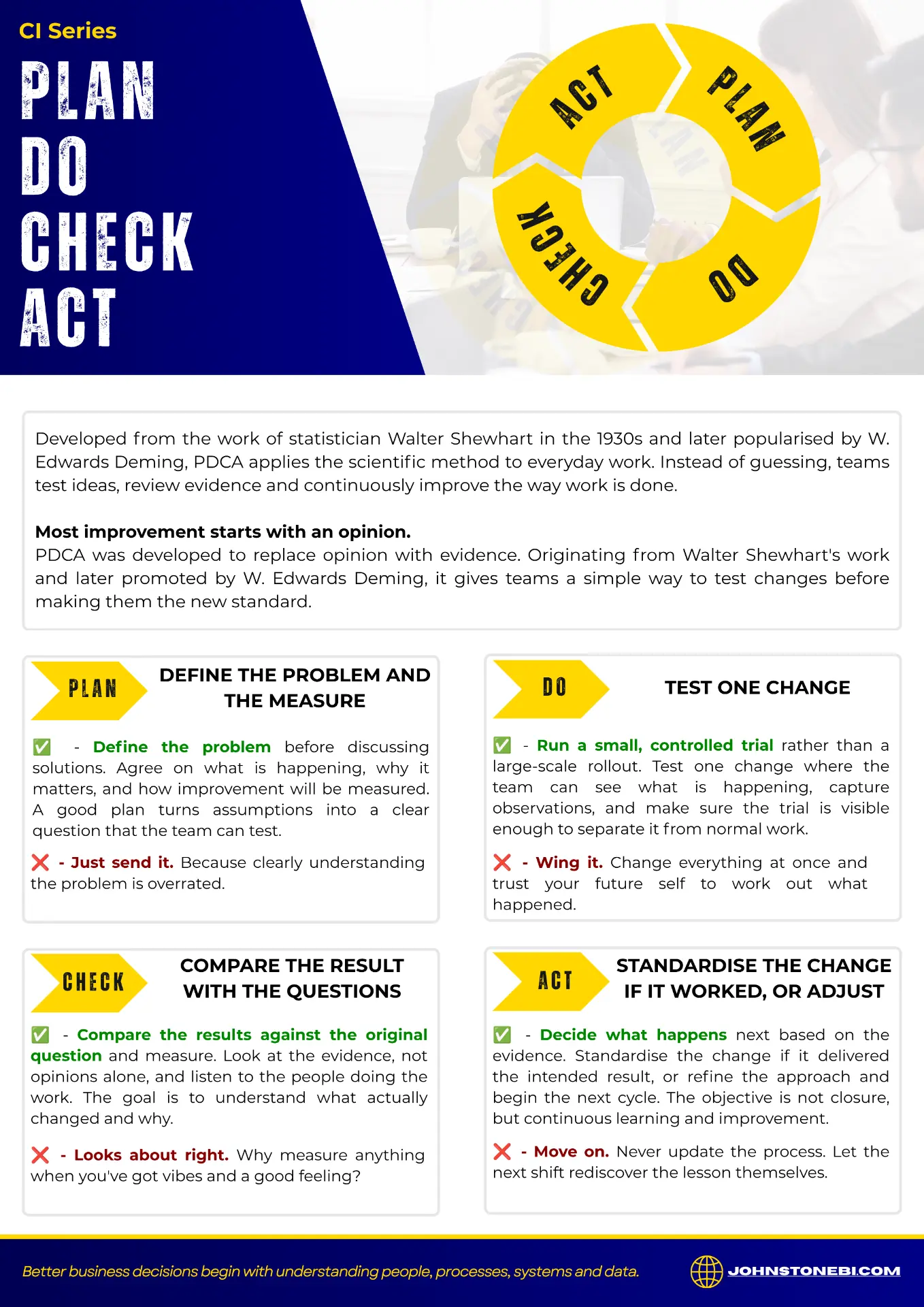
- Plan: define the problem, the current condition, the intended result and the measure.
- Do: test one change on a sensible scale.
- Check: compare what happened with what you expected, using data and observations from the work.
- Act: standardise the change if it worked, or adjust the idea and run the next test.
The value is in the connection between the stages. Planning without a check becomes opinion. Checking without an action becomes reporting. Acting without a plan becomes another round of guesswork.
How to run the PDCA cycle
Plan: define the problem before choosing the fix
A useful plan starts with the work, not with a preferred solution.
Describe what is happening now in terms that the people involved recognise. Where does the delay, defect, rework or failure occur? Who is affected? What decision is being held up? Which system or record is involved? What information is missing or unreliable?
Then agree how improvement will be recognised.
That measure might be elapsed time, first-time quality, schedule compliance, repeat work, backlog age or another measure that fits the problem. The important point is that the team agrees the question before the test begins.
A weak plan says:
Improve the handover process.
A stronger plan says:
Reduce the time between a completed maintenance job and a usable handover by testing one revised handover step, then compare elapsed time and rework over the agreed trial period.
The second statement gives people a shared problem, a boundary and a way to learn.
Do: test one change where the work can be seen
The Do stage is a trial, not an instruction to roll out a complete redesign immediately.
Keep the change limited enough to understand. Make the timing, owner and expected result visible to the people doing the work. Capture what happened, including practical complications that were not obvious during planning.
A small test is not a shortcut around proper thinking. It is a way to reduce the cost of being wrong.
This is where people and process matter. A workflow can look tidy on paper and still fail because a handover happens at the wrong time, a role is unclear, a form asks for information nobody has, or a system field does not match the way work is actually performed.
The trial should expose those conditions early.
Check: compare the result with the question
Check is more than opening a report and looking for a favourable number.
Compare the result with the measure agreed during Plan. Ask what changed, what did not change and what the people doing the work noticed. Check whether the data is complete enough to support the conclusion. If the result looks better, ask whether anything else changed at the same time.
This is also the point where data quality matters. A number can be technically available and still be a poor basis for a decision if definitions changed, records were missed or different teams entered the information differently.
Do not confuse these two statements:
- The action was completed.
- The process improved.
The first is an activity record. The second is a conclusion that needs evidence.
Act: standardise or adjust
Act turns learning into the next decision.
If the change improved the process and can be repeated safely, update the relevant standard work, responsibility, system instruction or training material. Make sure the people affected understand what changed and what they need to do differently.
If the change did not improve the result, do not quietly keep it because effort has already been spent. Adjust the explanation, the test or the process boundary and run the next loop.
Sometimes the correct decision is to stop. A test that disproves an attractive idea is useful if it prevents a larger rollout based on a weak assumption.
The result should be visible in the work, the process and the information used to manage it.
Where PDCA breaks down
1. The team jumps straight to Do
A fix is selected before the problem, measure and owner are clear. The team becomes busy, but nobody can say what success looked like.
2. The trial is invisible
The change happens inside normal work with no clear start, boundary or expected result. When the outcome is reviewed, the team cannot separate the test from everything else that happened.
3. Closure replaces Check
The action register says complete, so the issue is considered finished. No one checks whether the change affected the original problem or whether the new method is now being followed.
Put PDCA into practice
1. Choose one recurring problem
Choose one recurring operational problem. Not the largest problem in the business; choose one that the team can understand and observe.
Write down:
- the current condition;
- the people and process affected;
- the systems and data involved;
- the measure that will show whether the condition changed;
- the one change to test;
- the person responsible for the trial;
- the date and question for the review.
Then run the loop.
The point is not to make the process look more sophisticated. The point is to make the next decision better than the last one.
2. Let the check change the act
PDCA works when the Check changes the Act.
If the result does not change what the team does next, the activity may have been useful, but it was not yet a complete improvement cycle.
What recurring process would be worth testing properly this week?
3. Use the resources
Put it into practice
The article explains the loop. The PDCA improvement tool makes the loop usable: capture the problem, the measures, the trial log and the Act decision in one disciplined form.
Read more about how we approach continuous improvement, browse the resources library or start a conversation.
Downloadable resource
PDCA Plan, Do, Check, Act poster
Keep the four stages visible for your team with this practical PDCA reference poster. Download it free. No form, sign-up or email required.
Download poster